
One of the more honest frustrations in early-stage design is that clients often don’t have all the answers yet. The plot might not be confirmed. The building height might still be under discussion. The brief has a broad area target, but not much else. The traditional response is to wait, or to make something up and revise it later.
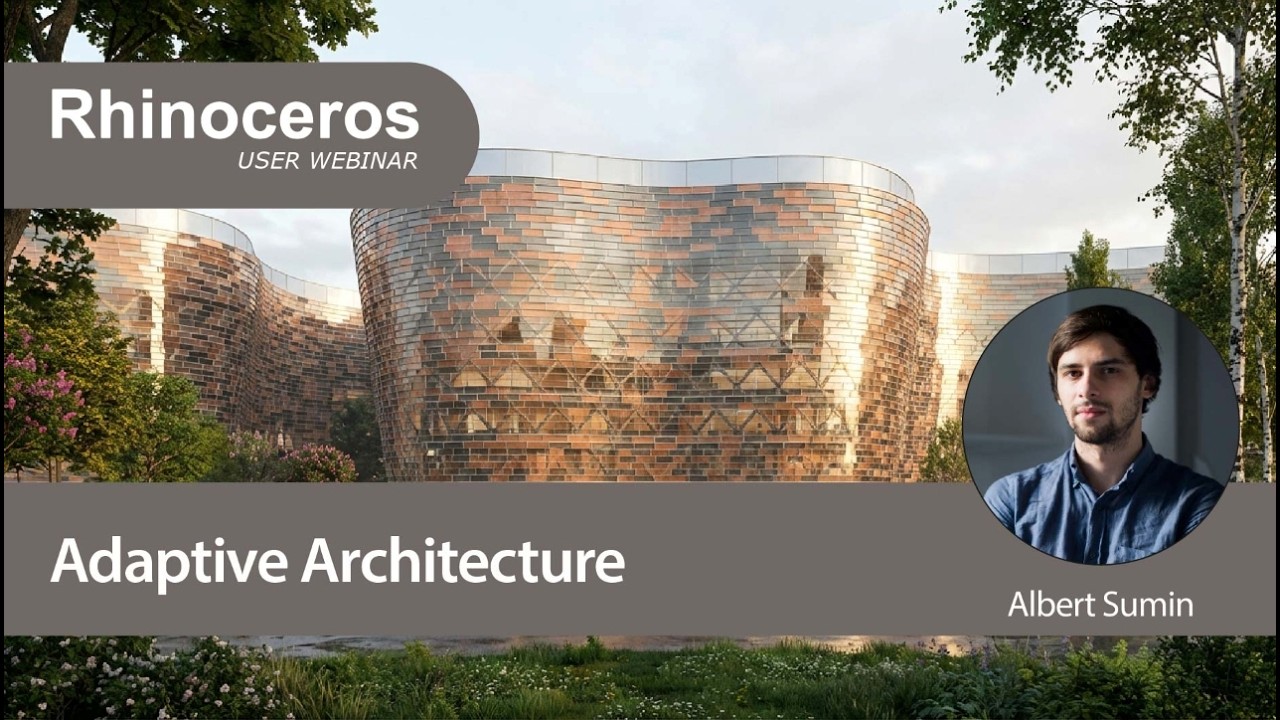
A recent McNeel webinar tackled this head-on. Albert Sumin, Architect and Computational Designer at Coop Himmelb(l)au (Vienna, Austria), walked through how his studio uses fully parametric Grasshopper models for entire buildings. Plus, how he uses it alongside AI rendering tools to work productively through that early uncertainty. The result is a workflow that lets you iterate quickly, present convincingly, and change almost anything without having to start over.
What the Webinar Covers
- Why Grasshopper works well as a whole-building tool, not just a façade or geometry plugin — and the thinking behind going fully parametric from day one
- How to organise large Grasshopper definitions so they stay readable and editable across a team, using a four-zone template (input parameters, script body, visualisation, and Revit export)
- A residential tower project designed for the UAE, where the studio didn’t yet know the final plot or building height, and how parametric modelling made that workable, rather than a problem
- A city-scale experimental project built entirely in Grasshopper, including structural elements, balconies, towers, and a voxelised village layer — no manual modelling at all
- The workflow from Rhino viewport screenshot through to AI-generated render, covering the evolution from Stable Diffusion XL to current Gemini (Imagen 3 Pro) models
- How Coop Himmelblau trained their own LoRA models on their project photography to produce renders that carry their studio’s visual identity
- ComfyUI as a node-based rendering interface and how it sits alongside their in-house tool, and what it can do beyond basic image generation
- Environmental analysis tools woven into the workflow, including Ladybug for sun exposure and ED3D for wind analysis
- A Q&A covering floor plans in Revit via Rhino.Inside, how to upscale renders to 4K, and the Grasshopper plugins Albert uses most regularly
Who Will Get the Most Out of It
The webinar is pitched at architects and computational designers who are already comfortable in Rhino and Grasshopper, or are working towards that. If you’re just getting started with Grasshopper, some of the scripting discussion will move quickly — but the broader workflow and the project examples are clear enough that you’ll still take something useful away.
It’s also genuinely interesting for anyone curious about where AI sits in an architectural practice right now. Albert’s studio has been experimenting with this for several years, and the presentation reflects that — it’s grounded, practical, and appropriately measured about what these tools can and can’t do at the moment.
Watch the Full Webinar
The recording is available on the McNeel Europe YouTube channel. The Q&A section at the end is worth staying for — there are good questions about floor plan development, plugin recommendations, and how to keep parametric models from becoming unmanageably random.